Market Ops Team reviews the request
Vendor Success Team gives Demo
Pre-loaded videos and Guided Tour
Insights through Reviews
Marketing Tools
Vendor Profiles Update
Manage Product Listing
Monthly Email on Reviews

David visits Gartner Peer Insights - Vendor Portal, clicks "Get Started," and creates an account by filling in all the mandatory fields. He lists his company, completes the product listing form, adds his product to the market, and submits it to the Market Operations Team.
Duration: 2-10 days

Vendor profiles are automatically updated and can be edited in real-time if needed. The company description is also auto-filled, and any changes made by the vendor are submitted to the vendor success team for approval. There is no limit on the number of changes that can be made.
Real Time Update

Buyer Insights automatically analyzes review data gathered from vendor sourcing links, which includes mandatory questions completed by end users.
Real- Time Review Data

Review Snippets are pre-approved options generated from reviews. Vendors can share them accordingly. The Widget feature allows vendors to generate a code by filling out a form, which they can then share with their development team. This process is entirely automated.
Pre-Approved Automated Process

Post approval, the Vendor Success team (VS) schedules a 30-minute demo call with David to explain Peer Insights. Post-call, David receives contact details for his assigned Program Manager (PM). Every vendor has a PM for ongoing support, and the VS team is available via email.
Duration: 30 Minute

For product-related requests, such as adding a new product vendors fill out a form. This request is reviewed by the Market Ops team via the admin panel. The vendor then receives an email update, & the request tracker is updated. If the request is rejected, rejection reasons are shared.
Duration: 2-10 days
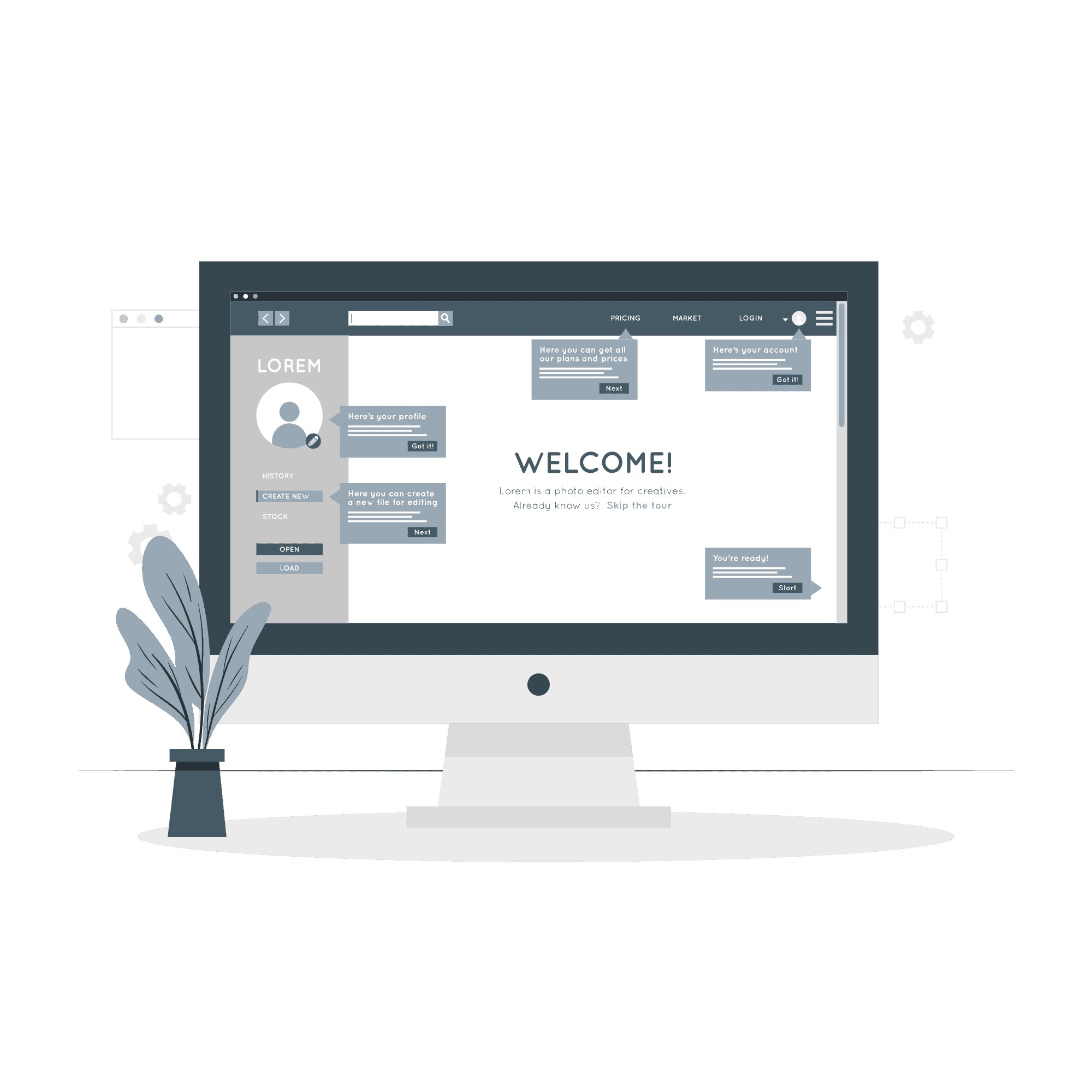
Once a vendor is onboarded on the vendor portal, they can access pre-loaded videos and guided tours powered by Intercom on the Get Started page. These resources help vendors better understand various steps and processes, with no limit on the number of times they can be watched.
Duration: 2-5 Minutes Video Tour

David receives a monthly email with his activity and reviews. The "View Reviews" button redirects to published reviews. "Reply to Review" opens an Outlook window, and "View Full Review" redirects to Gartner Peer Insights - End User.
Monthly Email
Teams Involved in end-to-end Process
Vendor Success Team
Market Operations
Program Manager
Behind The Scenes
Processes and People
Vendor Portal serves as a platform for allows vendors to manage and analyze customer reviews, product alignment to markets, update their profiles, and engage directly with customers to address feedback and improve their offerings. Behind the scenes, a dedicated team of individuals and robust processes work together to ensure the smooth experience of these vendors .
The goal is to provide a seamless platform for vendors to manage reviews, align products to markets, update profiles, supported by a dedicated team and robust processes.
ON
Switch off to see David’s journey on Vendor Portal